Newsletter Subscribe
Enter your email address below and subscribe to our newsletter

Enter your email address below and subscribe to our newsletter

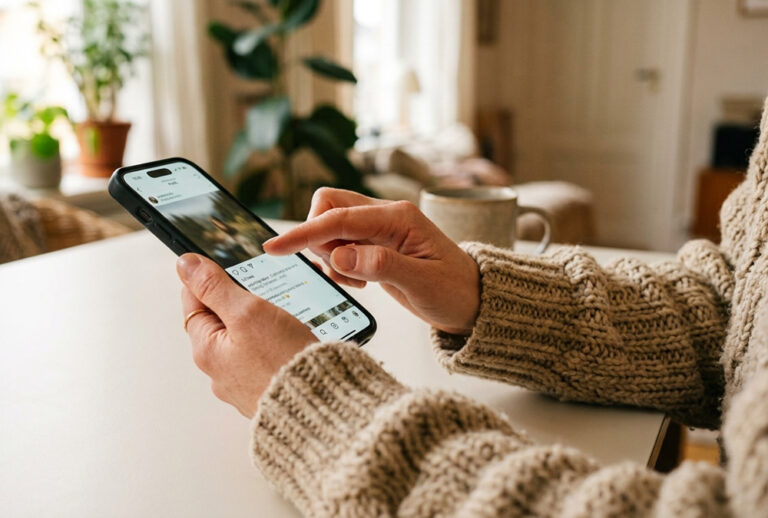
Your smartphone has become the quickest and easiest way to get everyday payments done. From tapping and paying at the till to buying prepaid electricity and managing your loyalty cards, your Android device can take care of just about every aspect of day-to-day transacting for you.
TCL looks at how your Android smartphone can replace all the plastic you carry in your wallet.
Tap and pay
Modern Android devices support NFC, which allows you to tap your phone at compatible payment terminals. Most banks allow you to add your debit or credit cards to mobile wallets such as Google Wallet for contactless payments. This can be quicker than inserting your card and entering a PIN when paying at supermarkets, coffee shops and petrol stations. If a shop accepts contactless cards, it will usually also accept phone-based tap payments.
Scan to pay
Scanning a QR code to pay is another popular mobile payments option in South Africa. In addition to dedicated apps such as Zapper and SnapScan, scan-to-pay is available through banking apps from most of the large banks in South Africa. While scanning to pay is not as quick and easy as tapping to pay, it offers a host of advantages:
Banking apps
Banking apps make it easy for you to transfer money instantly to beneficiaries, buy prepaid electricity, airtime or data, manage your debit orders and more. Major banks let you use the PayShap service to send instant payments to someone else using their PayShap ID, usually their phone number or bank account number. Some apps also offer options like paying someone using only their card number and paying someone in your immediate proximity via geo-pay.
Store the extras that slow you down
Digital wallets can hold your loyalty cards, gift vouchers, boarding passes and event tickets. That means fewer plastic cards in your wallet and less time searching through emails at the airport, cinema entrance or point of sale.
Mobile payments add layers of security
When you pay with your phone, your card number or bank details are not shared directly with the merchant. A token or virtual number is used instead. This helps to protect you from fraud. You can also protect access to payments apps behind your screen lock, fingerprint or facial recognition.
If your phone is lost, Find My Device on your Android smartphone allows you to remotely lock it or erase its contents. Once locked, wallet payments stop. In the background, your bank uses artificial intelligence and analytics to detect unusual transactions and protect you from fraud.
Practical tips to protect your financial information